
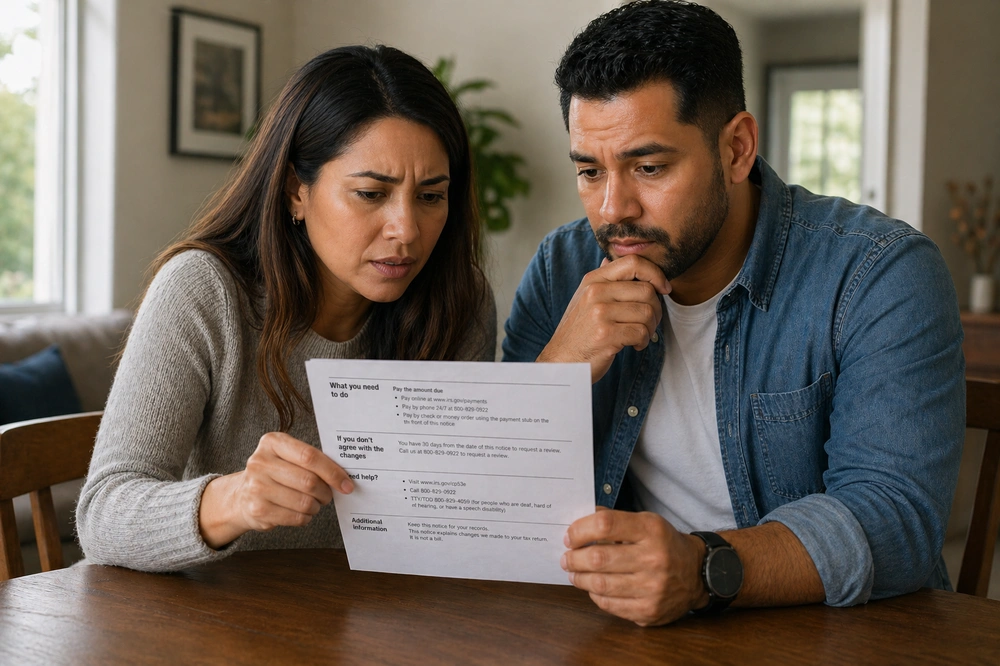
If a letter from the IRS recently arrived at your door asking you to update your bank account information, you are not alone. The IRS has already mailed over 1.4 million CP53E notices to taxpayers this filing season, and that number continues to grow. This notice is real, it is important, and it requires a response within 30 days. Unfortunately, scammers know it is circulating — and they are using fake versions to try to steal your financial information. Here is everything you need to know to handle this correctly and protect yourself.
What Is a CP53E Notice?
An IRS CP53E notice is an official notice that tells you your tax refund has been approved but cannot be delivered electronically. In plain terms, the IRS is ready to send you your money but does not have a valid bank account on file to deposit it into.
This notice is a direct result of the federal government's shift away from paper checks. Under Executive Order 14247, signed in March 2025, the U.S. Treasury is now required to prioritize electronic payment for all federal disbursements, including tax refunds. Paper checks are no longer the default Paper checks are no longer the default — and in many cases, they are no longer an option at all without going through an additional process.
The short version: The IRS owes you a refund, but your refund is on hold until you provide valid direct deposit information through your IRS Online Account.
Why You May Have Received One
There are a few common reasons the IRS sends a CP53E notice. The most likely is simply that your tax return was filed without direct deposit information — either because you requested a paper check, or because no banking details were included. Other reasons include:
- Your bank rejected the deposit because the account number, routing number, or account name did not match.
- The bank account listed on your return was closed by the time the IRS attempted to process the deposit.
- You filed your return requesting a paper check, which the IRS no longer issues as a standard option.
Receiving a CP53E does not mean anything is wrong with your tax return or that you are under audit. It simply means the IRS needs updated information before it can release your refund.
A note for clients living abroad: The IRS direct deposit system uses the U.S. ACH network and does not support most foreign bank accounts. If you are an American living outside the U.S. without a domestic bank account, please contact us directly so we can help you navigate your options.
What to Do If You Receive a CP53E
If you receive a legitimate CP53E notice, you have 30 days from the date printed on the letter to respond. Here is exactly what to do:
- Do not ignore it. Your refund will remain on hold until you take action. If you do not respond within 30 days, the IRS will wait an additional six weeks before releasing your refund as a paper check — meaning a significant delay in receiving your money.
- Go directly to IRS.gov/Account. Type the address into your browser yourself. Do not use any link, QR code, or phone number printed on the notice — go directly to the IRS website.
- Log in or create your IRS Online Account. If you do not already have one, you will need to verify your identity through ID.me. This is a one-time process. You will need a government-issued photo ID and access to your email.
- Add or update your bank account information. You will only have one opportunity to do this, so make sure your routing number and account number are correct before submitting.
- Allow 2 to 5 days for the update to reflect. Once your bank information is saved, use the Where's My Refund tool at IRS.gov to check the status of your payment.
Important: IRS employees cannot update your banking information for you over the phone. The only way to complete this step is through your IRS Online Account. Any person claiming otherwise — whether by phone, email, or text — is not from the IRS.
What If You Do Not Have a Bank Account?
If you do not have a traditional bank account, you may still be able to receive your refund electronically through a prepaid debit card or mobile payment account. Visit IRS.gov/modernpayments for a current list of accepted options. If none of those options are available to you and you believe receiving a paper check is your only alternative, you may call the IRS main line at 800-829-1040 — not the number printed on the CP53E notice — to request a waiver.
The CP53E Scam: What to Watch For
Because the CP53E notice involves two things that immediately get people's attention — a pending tax refund and a request for bank account information — it has become a prime target for fraud. Scammers are sending fake CP53E notices by mail that look nearly identical to the real thing, with the intention of tricking you into handing over your personal and financial data.
This is not a new type of scam, but it is an especially convincing one because the underlying notice is legitimate and widely expected this filing season. The fake version exploits that familiarity to create urgency and lower your guard.
Stop and verify before you act. If anything about the notice feels off — an unfamiliar phone number, an unusual looking QR code, an email address, or a request to call and provide banking information — do not respond until you have verified the notice is real through your IRS Online Account or by calling the IRS directly at 800-829-1040.
Red Flags on a Fake Notice
The following are clear signs that a CP53E notice may be fraudulent. If you notice any of these, do not take any action based on the letter's instructions:
- It contains a QR code that does not link to the IRS.gov website. The real CP53E qr code will link to their site.
- It asks you to call a phone number to provide your bank account details. The IRS cannot accept banking information by phone, and the legitimate notice states this explicitly.
- It directs you to a website other than IRS.gov. Any URL other than the official IRS website is fraudulent.
- It arrived by email or text message. The IRS communicates about CP53E exclusively through physical U.S. mail. If you received this notice electronically, it is a scam.
- The date on the letter is in the future. Scammers sometimes use future dates to manufacture a sense of urgency.
- It claims a customer service representative can update your information by phone, email, or text. No IRS employee has this ability.
Real vs. Fake: How to Tell the Difference
Use this side-by-side comparison to quickly assess whether a CP53E notice you have received appears to be legitimate.
- Arrives only by U.S. mail
- Directs you to update information at IRS.gov/Account only
- QR code directs you to the IRS.gov website
- States clearly that IRS employees cannot update bank info by phone
- Has a date that matches or precedes the day you received it
- Lists 866-325-4066 for recorded information only — not live support
- May arrive by email or text, or as a suspicious-looking physical letter
- Includes a QR code or a link to a non-IRS website
- Asks you to call a number and provide bank account details verbally
- Creates extreme urgency with threatening language
- Is dated in the future
- Asks you to respond in a way that bypasses IRS.gov
When in doubt, verify independently. Type IRS.gov directly into your browser and log in to your Online Account. Any legitimate notice the IRS has mailed to you will also appear there. If you do not see the CP53E in your online account, call the IRS at 800-829-1040 before taking any action.
What to Do If You Were Targeted by a Fake Notice
If you believe you responded to a fraudulent CP53E notice and may have shared personal or financial information with a scammer, take action right away. Time matters in these situations.
- Contact your bank immediately. Let them know your account information may have been compromised. Ask them to monitor your account or, if necessary, freeze or close it and open a new one.
- Place a fraud alert or credit freeze with the three major credit bureaus — Equifax, Experian, and TransUnion. A credit freeze is free and prevents new accounts from being opened in your name.
- Report the fraud to the IRS at IRS.gov/reportphishing or by calling 800-829-1040. You can also report it to the Federal Trade Commission at ReportFraud.ftc.gov.
- Request an Identity Protection PIN (IP PIN) through your IRS Online Account. This six-digit number prevents anyone else from filing a tax return using your Social Security number.
- Contact our office. We can help you assess your situation, communicate with the IRS on your behalf if needed, and ensure your tax records are protected going forward.
Not Sure What to Do? Call Us First.
If you received a CP53E notice and are not certain whether it is real, or if you are unsure how to set up your IRS Online Account or update your banking information, please reach out to us before taking any action on your own. This is exactly the kind of situation where having a trusted accounting firm in your corner makes a real difference.
We can verify the notice, walk you through the correct steps, and make sure your refund is on its way without any unnecessary risk. You can reach us by phone at (310) 450-8875 or by email at admin@wheelerbicpa.com.